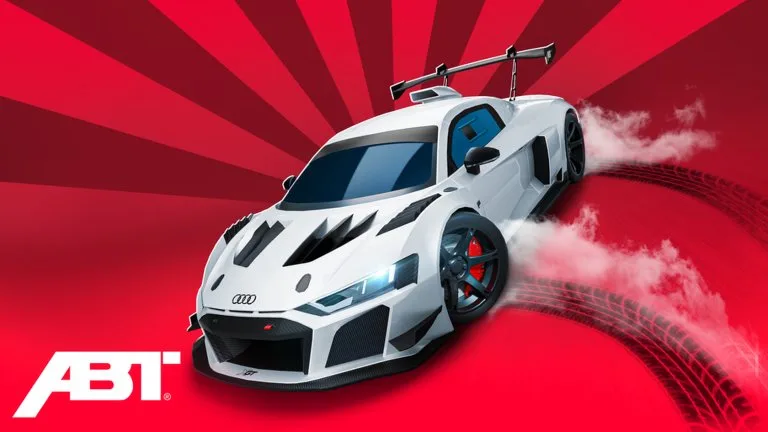
The game runs on PC, mobile, and console through Roblox. These are the inputs that block new players, not a speed guide.
Driving
- PC: W throttle, S brake or reverse, A and D steer. Space is the handbrake. Tap it to break traction. Hold it to lock the rear.
- Enter and exit with the proximity prompt. There is no separate "all cars" hotkey.
- Mobile uses a stick plus an on-screen handbrake. Hide chat if it covers the button.
- Controller: right trigger to accelerate, left trigger to brake. Nitrous was given an L1 bind in the 8 August 2026 notes. If a prompt names a key you do not have, open Settings.
- Burnouts on PC are often W and S together on a rear-wheel-drive car. That is optional.
Spawn
Click a car in the garage to spawn it. Without a pass you drive one vehicle. The "3x Vehicles" gamepass from 5 September 2026 lets you spawn up to three. VIP+ has also been described as a subscription perk for an extra spawn while it is active. Do not plan around a perk you do not own.
HUD
Top bar: the cog (Settings, codes, graphics, trade mutes, daytime and character scale), shop and season widgets, and an Auto Drive teleport. Left side: races, inventory, and trade. Trade stays locked until the unlock rules on the trading page are met. Bottom of the plot: completion percent.
Walk onto a green button to buy. Walk onto a platform to change the displayed car. Walk away and the purchase UI closes.
Drift in one loop
Get speed, turn in, tap Space, countersteer, and feather the throttle. Let off or unwind to exit. Rear-wheel drive is the easy tool. All-wheel drive can rotate with setup and will fight you. Ford drift cars from old clips left the game on 28 May 2025.
If the cyan Auto Drive portal is missing, rejoin. A stale server is the usual cause, not a removed feature.